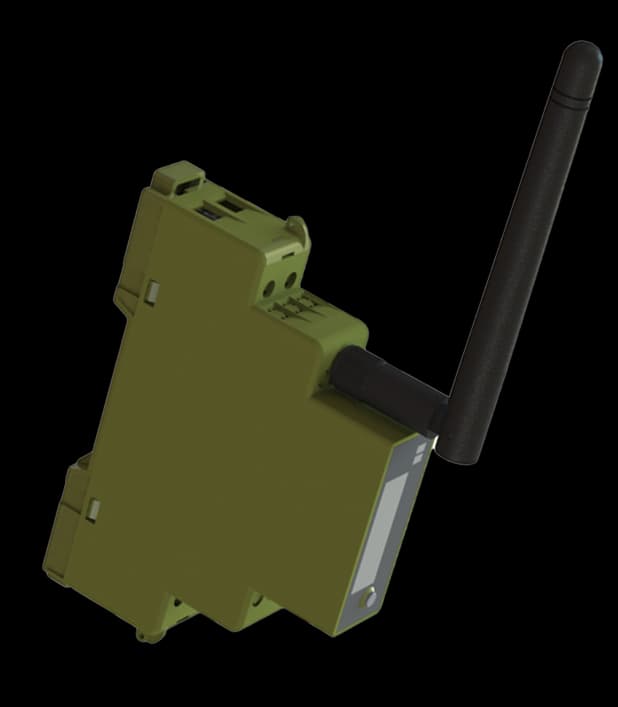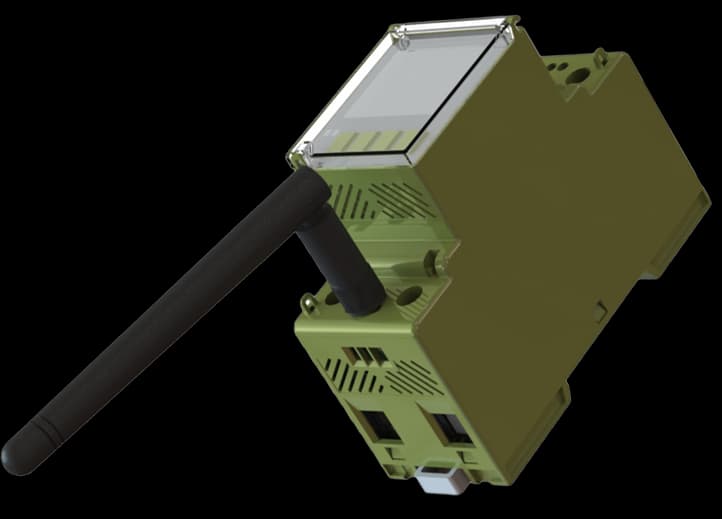
EM4301-CT
Three-phase, current-transformer connected
- CT secondary output
- 1 A / 5 A
- Connection
- External CTs
Three-phase metering through external current transformers.
EM4301-CT measures a three-phase installation using external current transformers with a 1 A or 5 A secondary output. Match the transformers and their ratio to the current you need to measure.
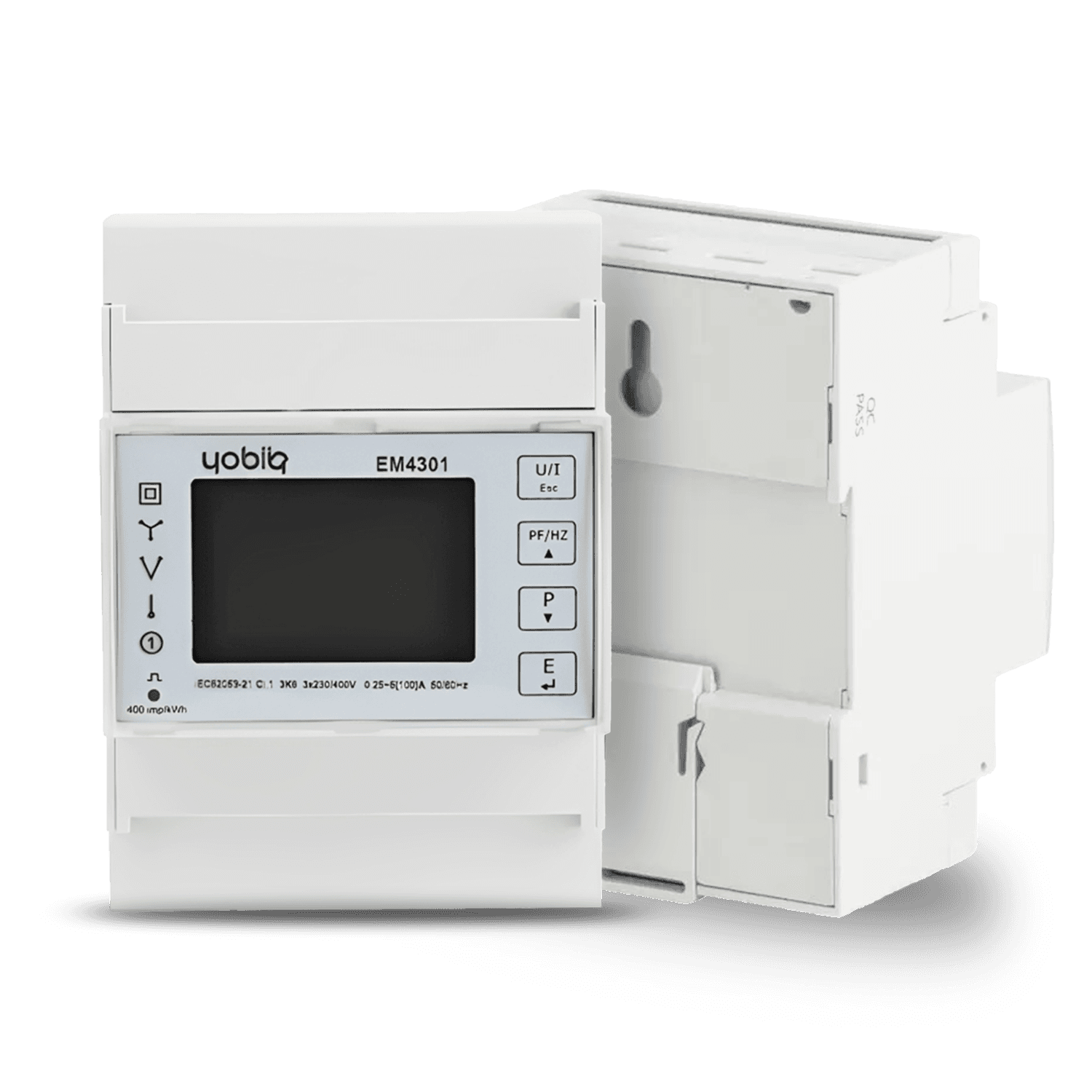 YOBIIQ / EM4301-CT
The EM4301-CT is a DIN-rail electricity meter that measures through external current transformers. The CTs provide a 1 A or 5 A secondary signal to the meter; the primary current range depends on the selected transformers and configured ratio.
This connection suits existing installations where suitable split-core CTs can reduce changes to the main wiring, as well as circuits requiring higher current measurement. The CT version requires an auxiliary 230 V supply. The installer selects the transformers, checks their orientation and configures the ratio.
EM4301-CT is at End of Sale and is being replaced by the DEM series. Compare the DEM4 CT configuration when planning a replacement.
Compare the configurations and explore the specifications of each model.
Three-phase, current-transformer connected
The useful question is not just how much energy a building uses, but where, when and what changed.

An electricity bill shows a total, but it does not tell a facilities team what remains active after everyone leaves.
Use suitable split-core CTs to measure the selected circuits with fewer changes to existing main wiring. Configure the ratio and compare daytime and overnight consumption in the application.
A focused list of consumption patterns to investigate before deciding what to change.
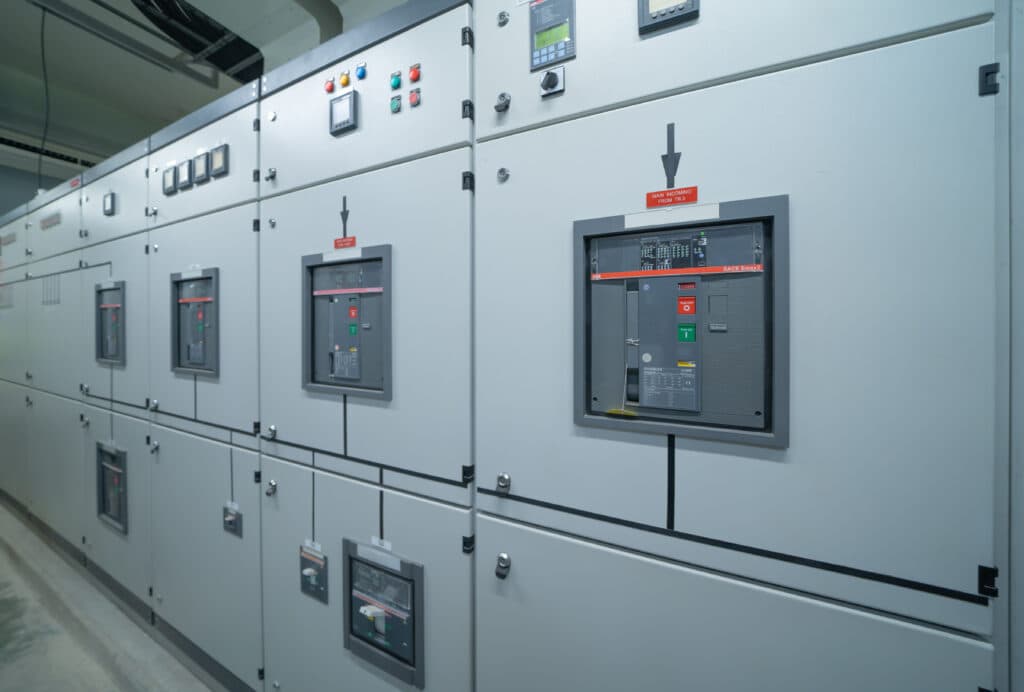
The current at a main distribution board may exceed the limit of a direct-connected meter.
Select current transformers for the required primary current and connect their secondary signals to the EM4301-CT. Configure the ratio and organise readings by site or measurement point.
A more useful conversation about which spaces need attention and why.

A new operating schedule or equipment change needs more than a lower bill to show what happened.
Record a baseline, apply the planned change and review the same measurement points afterwards. Account for differences in operating hours and occupancy when interpreting the result.
A traceable before-and-after record for the team’s energy decisions.
Explore how this device fits into a connected environment.
EM4301-CT measures a three-phase installation using external current transformers with a 1 A or 5 A secondary output. Match the transformers and their ratio to the current you need to measure.
Your device communicates over LoRaWAN. A gateway forwards its messages to a network server, ready for your application to use.
Bring device information into a monitoring platform. Follow readings and events together, with a clearer picture of the environment you manage.
External current transformers provide the measurement signal. The EM4301-CT converts it using the configured ratio and reports readings over LoRaWAN.
External current transformers supply a 1 A or 5 A secondary signal. Configure the CT ratio so the EM4301-CT reports the primary current correctly. Suitable split-core CTs can make installation easier in an existing distribution board.
An existing main distribution board or a supply carrying more than 100 A.
Connect the device to a LoRaWAN network, then bring its data into the application your team uses. Each layer has a different job.
Connect devices and route their LoRaWAN messages.
Turn decoded data into dashboards, history and actions.
Use the EM4301 family payload decoder with the correct CT-meter configuration. Confirm units, phase mapping and reporting settings during integration.
Plan your integrationCompare consumption, review trends and investigate reported events. This published YOBI Cloud example shows how energy data can be organised; the available fields depend on the meter and integration.
Explore the platform example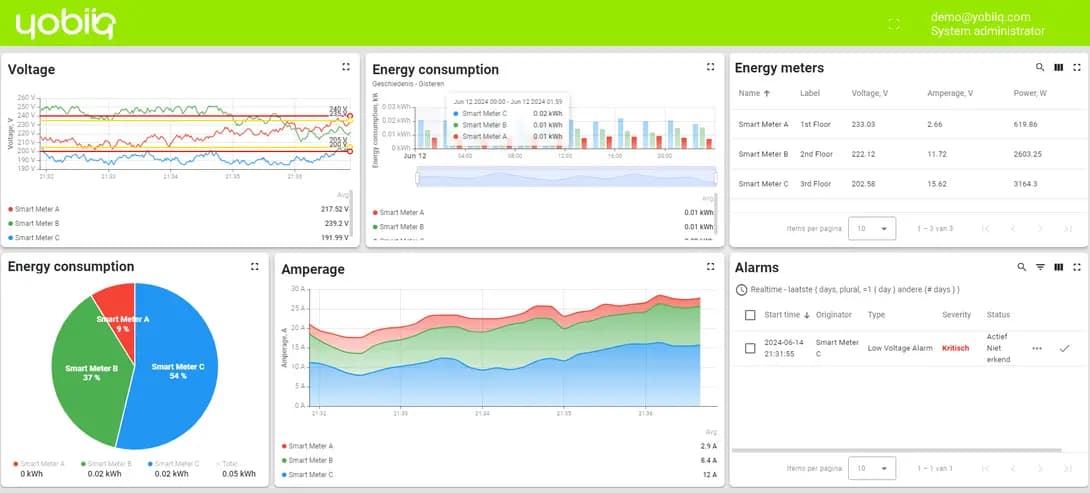
A practical overview to help you specify the right device and the system around it.
Product documentation| Model | EM4301-CT |
|---|---|
| Application | Three-phase energy metering |
| Connection | External current transformers |
| CT secondary output | 1 A / 5 A |
| Meter current-input range | 0.003–6 A |
| Primary current range | Determined by the selected CTs and configured ratio |
| Auxiliary supply | 230 V |
| Nominal voltage | 230 VAC (L–N) / 400 VAC (L–L) |
| Frequency | 45–65 Hz |
| Measurements | Voltage, current, power, power factor, frequency and energy |
|---|---|
| Communication | LoRaWAN |
| Mounting | DIN-rail |
| Logging interval | 5–60 min |
| Operating temperature | −25 to +55 °C |
Record the CT primary rating, secondary output and configured ratio before selecting a replacement. Match the DEM4 CT configuration to the existing installation.
Four things to settle before the first device goes into service.
Decide whether you need a building total, a circuit view or separate readings for individual spaces.
Select the CT primary rating and 1 A or 5 A secondary output, confirm orientation and phase mapping, configure the ratio and provide the auxiliary supply.
Commission the LoRaWAN connection and verify units, timestamps and the selected reporting interval.
Collect a representative period and label the measurement points before using the data to assess changes.
Practical answers about EM4301-CT — Three-phase CT electricity meter.
Ask us something elseNo. External current transformers provide a secondary signal to the EM4301-CT. The selected transformers and configured ratio determine the primary current that can be measured.
Use current transformers with a 1 A or 5 A secondary output. Select the primary rating for the installation and configure the matching ratio in the meter.
Suitable split-core CTs can reduce changes to the main wiring and usually make installation faster. CT measurement is also the appropriate choice above the direct model’s 100 A limit.
Yes. The EM4301-CT requires an auxiliary 230 V supply, as specified in the EM4301 family datasheet.
Yes. A connected application can group device readings by building, area or measurement point. Useful comparisons require consistent units, time periods and context such as opening hours or occupancy.
EM4301-CT is at End of Sale and is being replaced by the DEM series. Compare the DEM4 CT configuration and contact us for replacement planning.
Tell us what you want to connect, monitor or control. We’ll help you find a starting point.
Talk to the team