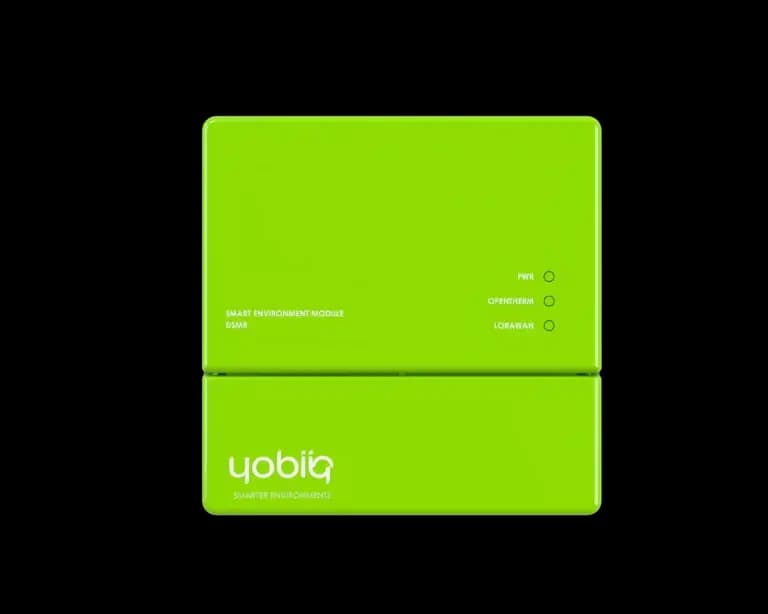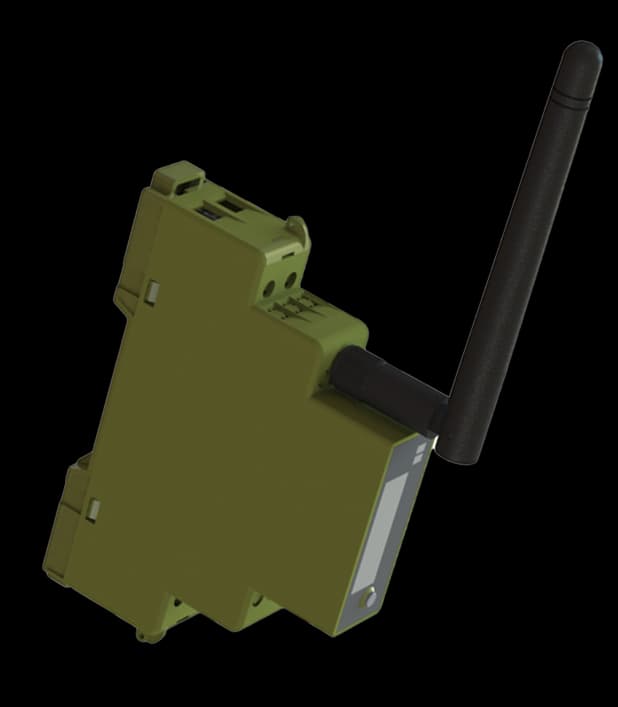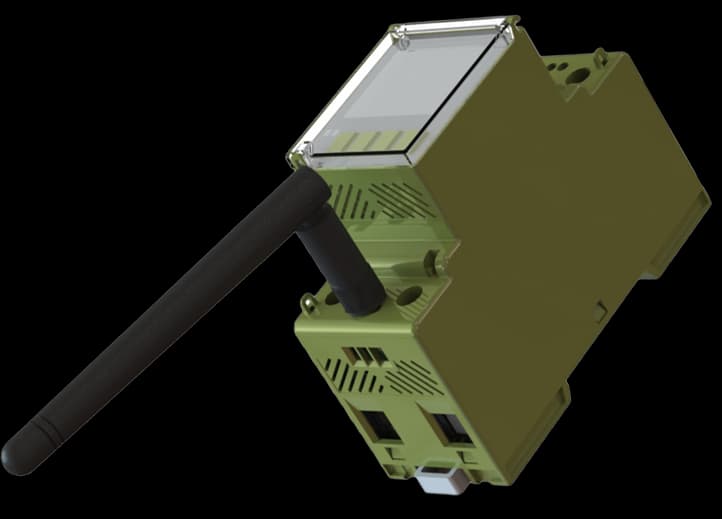
DEM4-100-2I2O-L
LoRaWAN · 80 / 100 A · Without built-in relay
- Communication
- LoRaWAN
- Connection
- Direct
- Phases
- 3
- Digital inputs
- 2
- Outputs
- 2
- Built-in relays
- 0
Measure the circuit. Understand the demand.
Bring three-phase circuits into the same operational view. DEM4 combines energy metering with two digital inputs and two outputs, with direct-connected and current-transformer variants for different panel arrangements.
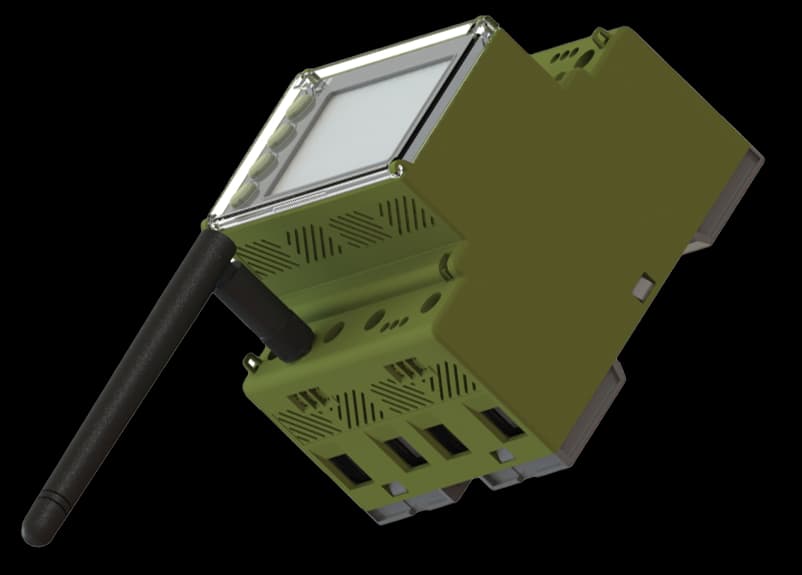 YOBIIQ / DEM4
Compare the configurations and explore the specifications of each model.
LoRaWAN · 80 / 100 A · Without built-in relay
See where electricity is used, put unusual patterns in context and give the people responsible a consistent view. These are example applications to plan around your site.

A monthly total does not show when consumption happens or how the building behaves outside working hours.
Include electricity measurement in the building overview. Compare the same periods and annotate opening hours, occupancy and maintenance before interpreting changes.
Give the team a baseline to compare before and after operational changes.

Manual meter rounds take time, especially when the person reviewing the data works at another site.
Connect measurement points through the chosen network and name them by building and circuit. The application brings readings and history together for the team.
Review sites through one repeatable workflow, with fewer routine trips to collect readings.
A change in consumption can go unnoticed when readings are reviewed only occasionally.
Configure comparisons and notifications in the receiving application. Use the measured trend to decide what needs checking on site; a consumption change alone is not a diagnosis.
Turn a reading into a specific follow-up for the responsible person.
Explore how this device fits into a connected environment.
Bring three-phase circuits into the same operational view. DEM4 combines energy metering with two digital inputs and two outputs, with direct-connected and current-transformer variants for different panel arrangements.
Your device communicates over LoRaWAN. A gateway forwards its messages to a network server, ready for your application to use.
Bring device information into a monitoring platform. Follow readings and events together, with a clearer picture of the environment you manage.
Measurement happens at the device. The chosen connection carries the information to the application, where your team reviews it and defines follow-up.
Install the DEM4 at the selected measurement point and commission it against the supplied installation documentation. Check the local reading before relying on the remote view.
Record a known reading as the starting point for commissioning.
Choose a LoRaWAN variant for wireless reporting or Modbus RTU for a wired installation. Configure the correct payload decoder or register mapping for the exact model.
Confirm that the dashboard reading agrees with the commissioned measurement point.
Build histories, comparisons and notifications in the application. Define who receives an exception and what happens next, rather than leaving the reading in an isolated dashboard.
Assign an unusual consumption pattern to the facilities team for investigation.
Connect the device to a LoRaWAN network, then bring its data into the application your team uses. Each layer has a different job.
Connect devices and route their LoRaWAN messages.
Turn decoded data into dashboards, history and actions.
LoRaWAN models use a gateway and network server; Modbus RTU models connect through a compatible wired integration. We match the selected model’s payload or registers to your platform during commissioning.
Plan your integrationA practical overview to help you specify the right device and the system around it.
Product documentation| Installation | DIN rail |
|---|---|
| Phase configuration | 3P |
| Direct current range | 80 / 100 A |
| Communications | -M: Modbus RTU; -L: LoRaWAN |
| Built-in relay | No |
| Demand measurement | Yes |
| THD | Supported |
| Transformer variant | DEM4-CT; specify the matching transformer and ratio |
Choose the phase arrangement, current range and communication option first. Specify a built-in relay only where required: a digital output is not the same as a load-switching relay. Match output ratings and CT details to the supplied model’s installation documentation.
Four things to settle before the first device goes into service.
Identify the location, expected range and the question the measurement must answer.
Choose the phase arrangement, current range and communication option first. Specify a built-in relay only where required: a digital output is not the same as a load-switching relay. Match output ratings and CT details to the supplied model’s installation documentation.
Verify network coverage or bus wiring, device identity and payload or register mapping.
Compare a local reading with the receiving platform, confirm units and timestamps, and document the operating procedure.
Practical answers about DEM4 — Three-phase energy meter.
Ask us something elseChoose the phase arrangement, current range and communication option first. Specify a built-in relay only where required: a digital output is not the same as a load-switching relay. Match output ratings and CT details to the supplied model’s installation documentation.
No. DEM2-80-1I1R includes a relay. The other listed configurations have outputs that must not be treated as an equivalent built-in load-switching relay. Match the electrical interface to the exact model documentation.
For LoRaWAN reporting, provide network coverage, device registration and a decoder matching the hardware and firmware. The application then handles storage, visualisation and any configured notifications.
It gives you evidence for decisions and a way to check their effect. Results depend on the changes made to the installation or operating routine.
Tell us what you want to connect, monitor or control. We’ll help you find a starting point.
Talk to the team