On this page
Read the meter that is already installed
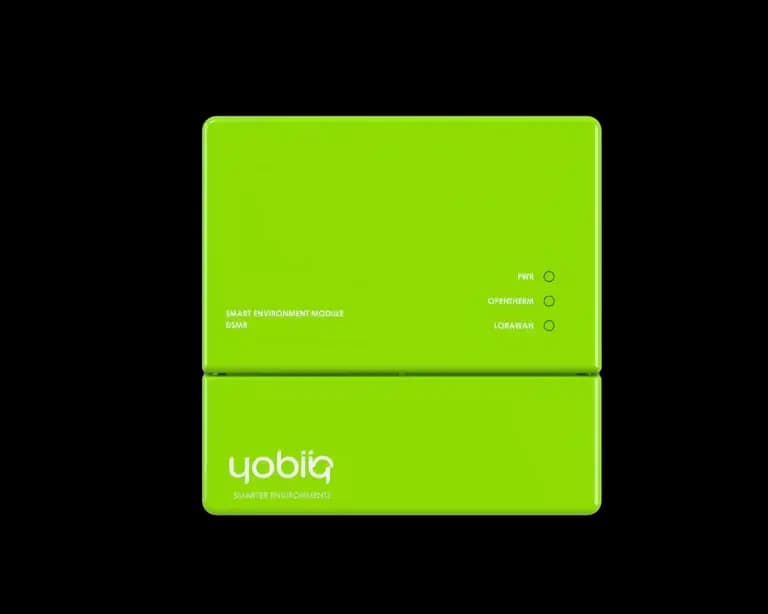
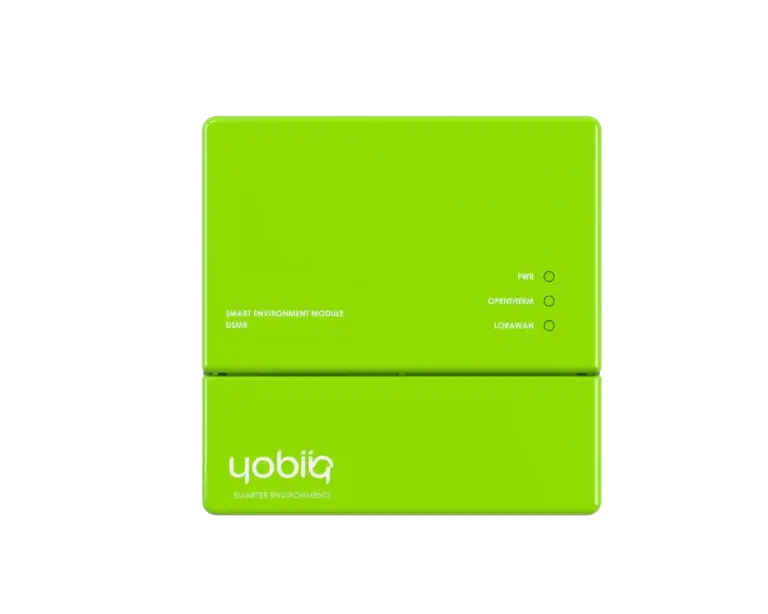
If you need the total consumption for a property, start with the existing meter. The Yobiiq DSMR-1002 reads available data from a compatible smart meter's P1 port and forwards it over LoRaWAN. Check the meter model, DSMR version and P1 interface requirements before ordering. Similar-looking connectors do not establish compatibility.
If you need gas readings, check whether the meter includes them in its P1 telegram and how often they update. Leave unavailable values blank in the dashboard so a missing reading is not mistaken for zero consumption.
Turn a counter into consumption
For example, when an import counter rises from 1,250.4 kWh to 1,251.1 kWh, the difference is 0.7 kWh. Compare the same register from the same meter. Handle resets and meter replacements separately, and keep import and export apart if both are reported.
After a missed radio message, later counter values may still show the total consumed across the gap. They do not show when the energy was used within that gap. Keep timestamps and show the age of the last reading.
Decide when to add a submeter
Confirm a valid P1 reading and network reception at the installation point. Then compare the dashboard counter and units with the local meter. The DSMR Reader product reference lists the interface and reporting details.
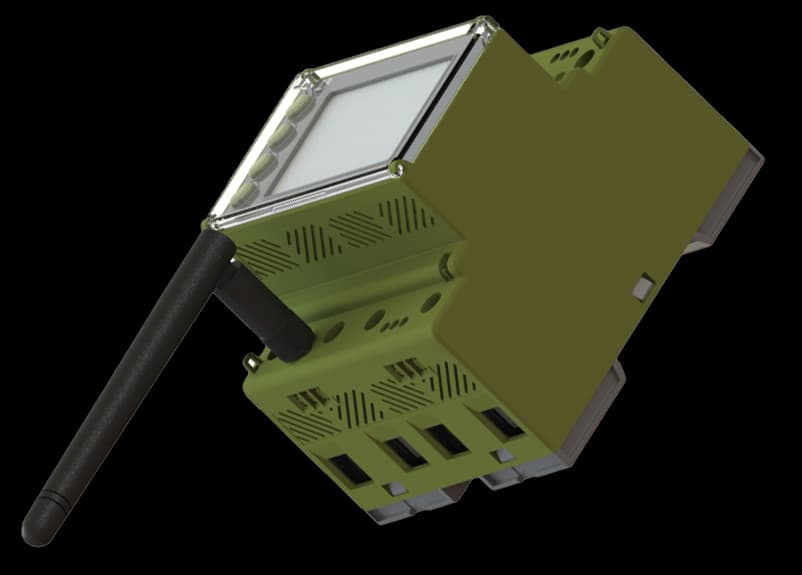
A main meter cannot tell you which circuit used the energy. Add measurement at the tenant supply, board or equipment circuit when you need that breakdown. For suitable three-phase installations, compare the DEM4 meter and its LoRaWAN and Modbus RTU variants.