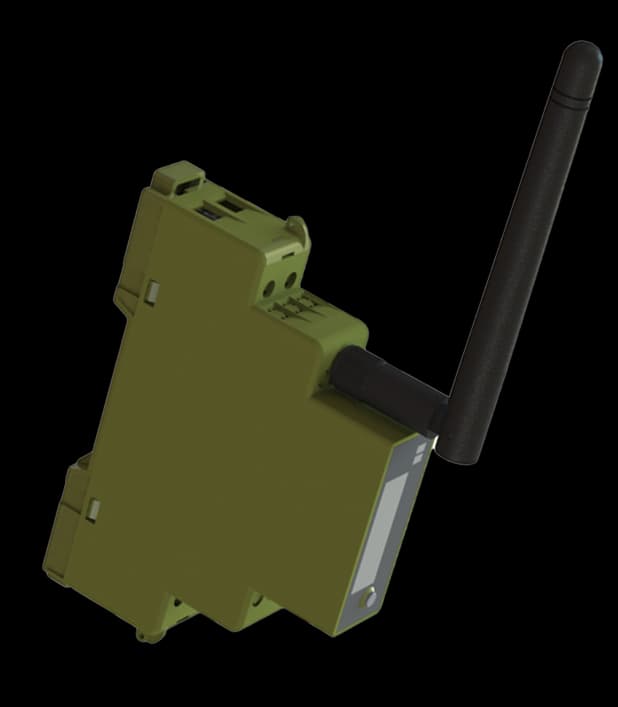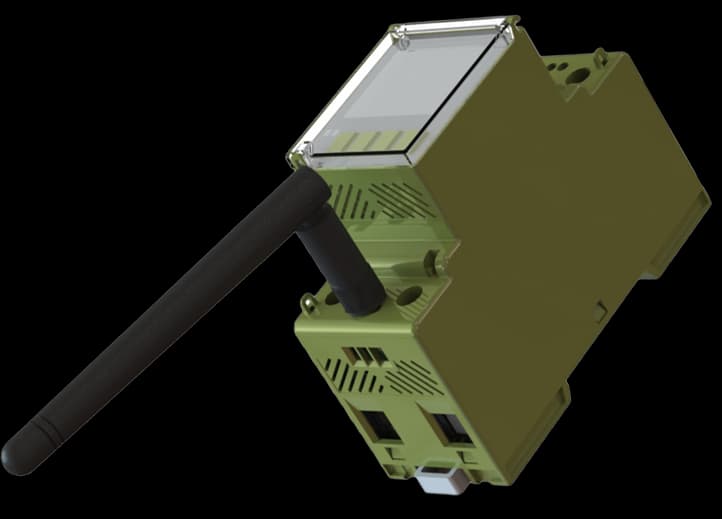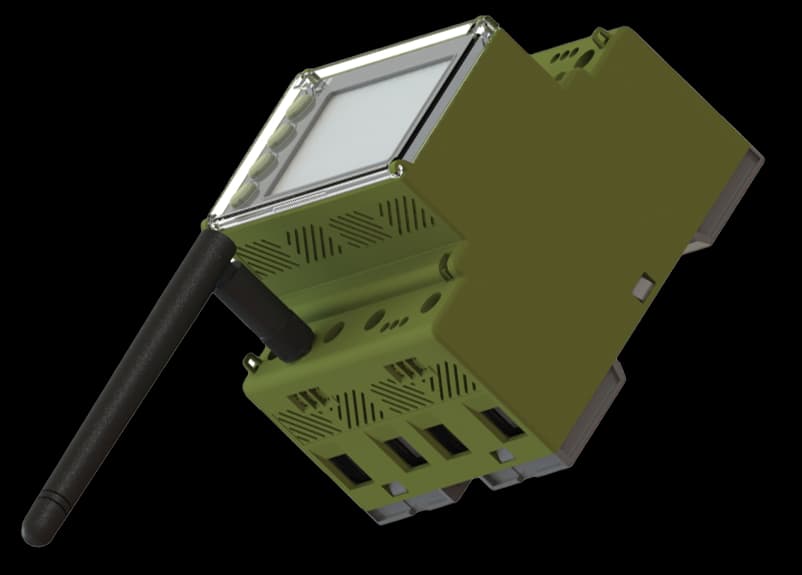
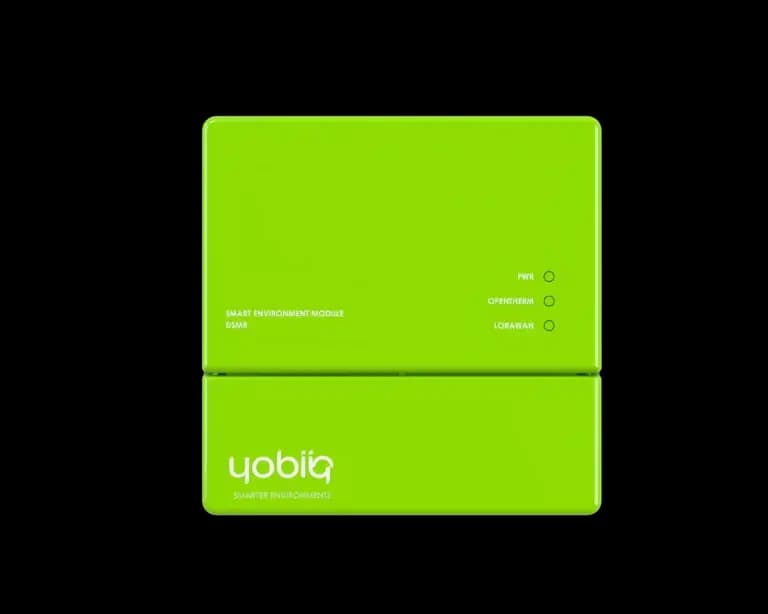

DSMR-1002 / Energy Measurement

DSMR Reader

Read your smart meter's P1 port over LoRaWAN

Connects to the P1 port of a DSMR-compliant smart meter and reports usage data over LoRaWAN — no rewiring needed.

Smart-meter interface
P1 / DSMR
Remote reporting
LoRaWAN®
Use available readings
Existing meter
Where exposed by the meter
Electricity + gas

About this product.

For buildings that already have a DSMR-compliant smart meter, the DSMR Reader plugs straight into its P1 port and forwards consumption data over LoRaWAN — a fast way to get metering data flowing without installing new sensing hardware.

It's a natural companion to the electricity meter and relay module for sites that want a full picture of energy usage across both smart-meter and non-smart-meter circuits.

IN YOUR ENVIRONMENTPRACTICAL USE CASES

Make the meter you have more useful.

A reader connects existing meter information to the people making decisions about the property.

Aerial view of residential and commercial buildings in Helsinki
EXAMPLE APPLICATIONBuildings & portfolios
Building managers

Understand a property's usage

The main meter is available on site, but the people responsible for energy use do not have a consistent remote view.

WHERE YOBIIQ COMES IN

Read the compatible P1 interface, send the chosen data through LoRaWAN and organise it by property in the application. Compare normal usage patterns before setting notifications.

  • P1 telegram
  • Usage readings
  • Property history

A practical starting point for understanding the supply without duplicating the meter’s measurement.

Discuss a similar project
EXPLORE THE POSSIBILITIES02 / CONNECT THE DOTS

A closer look. A clearer picture.

Explore how this device fits into a connected environment.

Your smart meter already has a story to tell. Read its compatible P1 connection and bring the available consumption information into a LoRaWAN application, without adding a second measurement point to the same supply.

DSMR-1002 / SENSE
DSMR Reader

What the device does

  • Plugs directly into the DSMR P1 port
  • No rewiring of the existing meter installation
  • Reports usage data over LoRaWAN®
  • Fast to deploy across multi-unit buildings
UNDERSTAND THE OPERATIONDEVICE + APPLICATION

See what happens.
Step by step.

The reader collects information from the meter. LoRaWAN and the application determine how that information reaches the team.

DATA ACQUISITION Information / action
  1. Smart meterCompatible P1 interface
  2. DSMR Reader
    DSMR readerSelect available meter fields
  3. LoRaWAN networkNetwork server + gateway
  4. Your applicationDecode, display & act
The reader uses the information published by the connected meter, including gas only where available.
01 / IN PRACTICE

Read the P1 interface

Connect to a compatible DSMR smart meter and select the available fields needed by the application. The content depends on what the meter publishes.

Bring the electricity usage reported by the meter into a property overview.

FITS INTO YOUR WORLDNETWORKS & PLATFORMS

Your network.
Your way of working.

Connect the device to a LoRaWAN network, then bring its data into the application your team uses. Each layer has a different job.

Integration references cover the iQ DSMR family. Choose the payload decoder for the supplied reader and check which data fields the connected smart meter makes available.

Plan your integration
THE APPLICATION LAYER

From meter readings to a working overview.

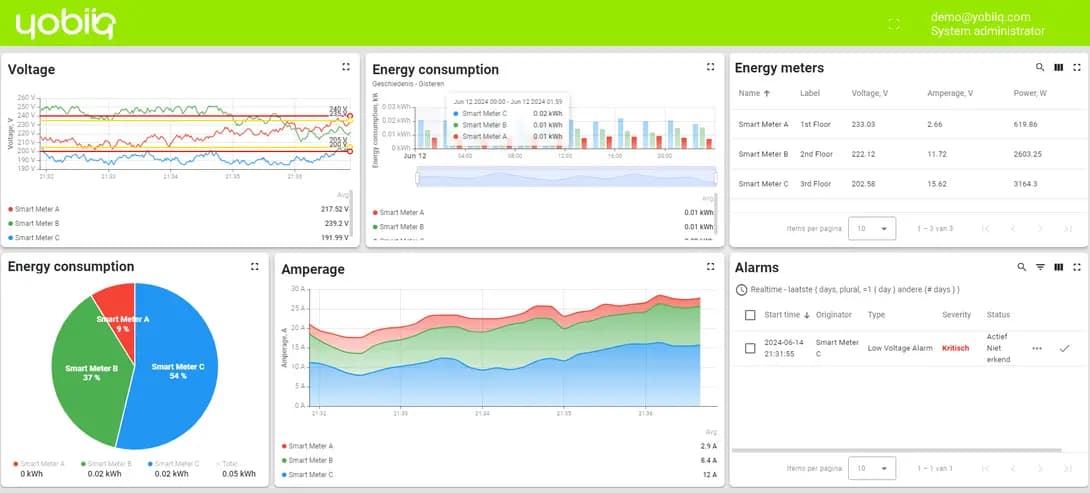
Compare consumption, review trends and investigate reported events. This published YOBI Cloud example shows how energy data can be organised; the available fields depend on the meter and integration.

Explore the platform example
YOBIIQ / PLATFORM EXAMPLE View full size
YOBI Cloud example dashboard showing voltage, electricity consumption, energy meters and alarms
Published platform example. Devices, readings and layout shown are illustrative.
DESIGNED WITH PURPOSE03 / THE DETAILS THAT MATTER

Small details. Real capability.

Plugs directly into the DSMR P1 port
No rewiring of the existing meter installation
Reports usage data over LoRaWAN®
Fast to deploy across multi-unit buildings
Compliant with standard LoRaWAN gateways and network servers
Complements Yobiiq electricity meters for full-site coverage
Low-power, set-and-forget operation
THE TECHNICAL VIEWFUNCTIONS & INTEGRATION

The details behind the decision.

A practical overview to help you specify the right device and the system around it.

Product documentation
Meter interface
Primary connectionP1 interface on a compatible DSMR smart meter
Data originReadings supplied by the connected meter
Electricity informationAvailable fields depend on the meter and DSMR implementation
Gas informationAvailable only when included by the connected meter
Deployment
Wireless reportingLoRaWAN®
Application connectionNetwork server and a compatible payload decoder
Meter accessAn accessible compatible P1 connection
Power and accessoriesConfirm the supply and connection requirements for the selected meter and reader version
SPECIFY IT FOR YOUR PROJECT

Send the meter make and model, DSMR version, required electricity or gas fields and any other equipment already using the P1 port. This helps establish the right reader and connection arrangement.

Check your configuration
FROM SELECTION TO SITEPLAN YOUR INSTALLATION

A good deployment starts here.

Four things to settle before the first device goes into service.

  1. 01

    Check meter compatibility

    Identify the meter model, DSMR version and whether the P1 interface is accessible and available.

  2. 02

    Choose the useful fields

    Define what the dashboard needs, including whether gas information is actually present in the meter’s telegram.

  3. 03

    Commission the reader

    Verify the connection, required power and LoRaWAN coverage using the selected version’s documentation.

  4. 04

    Validate the data

    Compare the application readings with the meter and verify units, timing and property labels.

QUESTIONS, ANSWERED

Before you choose.

Practical answers about DSMR Reader.

Ask us something else
Does it replace my electricity meter?

No. The reader uses information from the existing compatible smart meter through its P1 interface. It does not replace the meter’s measurement function.

Can it read any smart meter?

The meter must provide a compatible DSMR/P1 interface. Confirm the meter model and DSMR version before selecting a reader; the presence of a connector alone does not establish compatibility.

Will gas consumption be available too?

Only when the connected smart meter includes that information in the data it exposes. Share the meter details and required fields so this can be checked before the dashboard is designed.

What if another device already uses the P1 port?

The published iQ DSMR family describes a secondary pass-through port. Confirm that the selected reader version includes it and that the downstream device is compatible with the intended connection.

Does it need Wi-Fi at every meter?

Its remote reporting path is LoRaWAN. The installation needs suitable LoRaWAN coverage and the gateway/network infrastructure, rather than a separate Wi-Fi connection for each reader.

When would I need a separate electricity meter instead?

Use a separate measurement point when you need a circuit or area that the existing smart meter cannot distinguish, or when a compatible P1 interface is not available. The two approaches can complement each other across a site.

BUILT FOR REAL DEPLOYMENTS

Keep exploring the details.

Explore the connections.

All devices
LET’S MAKE IT HAPPEN

Your next project.
Our next connection.

Tell us what you want to connect, monitor or control. We’ll help you find a starting point.

Talk to the team