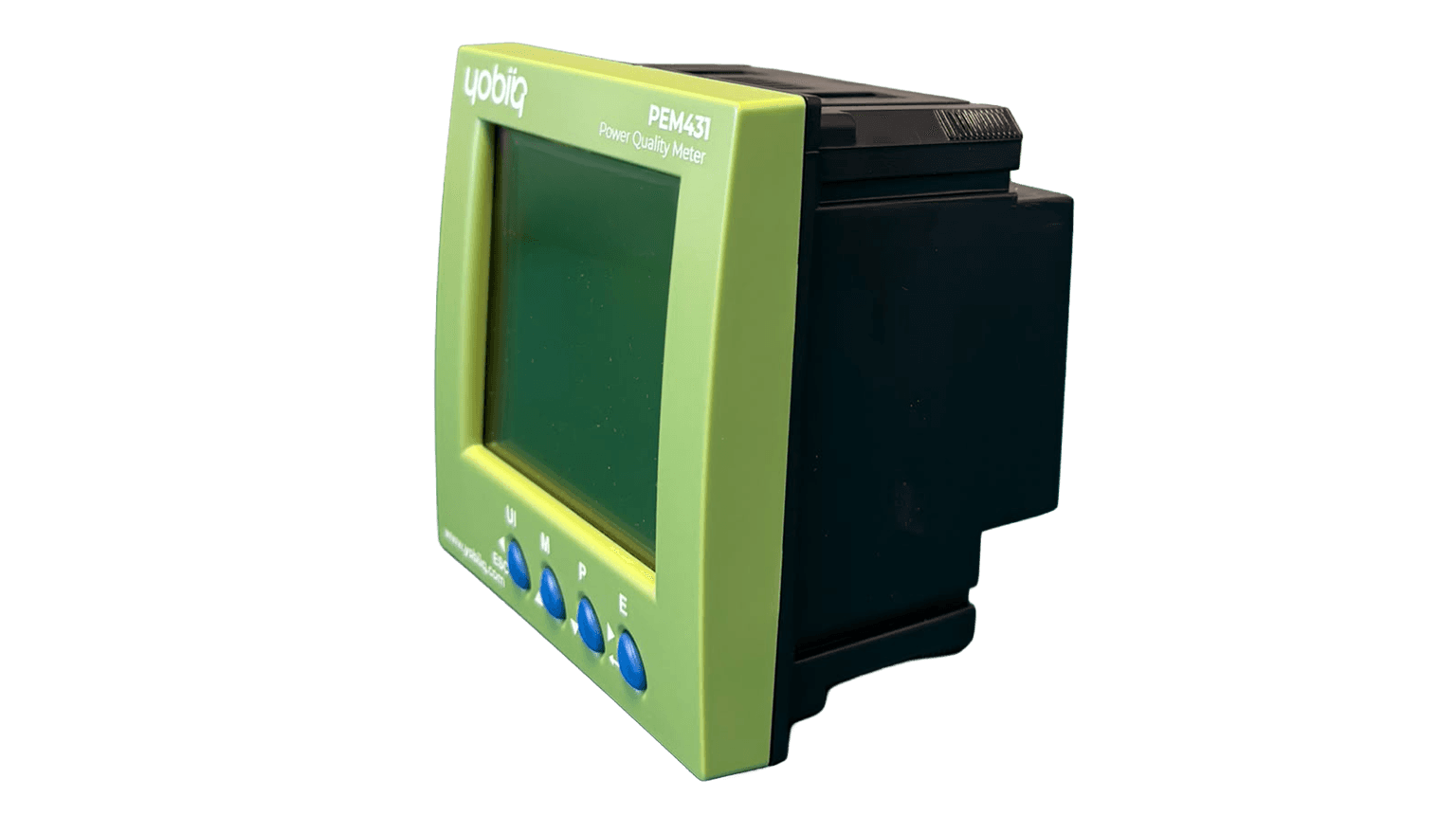

PEM431 / Energy Measurement

PEM431 — Power quality meter

Energy use and power quality. In one view.

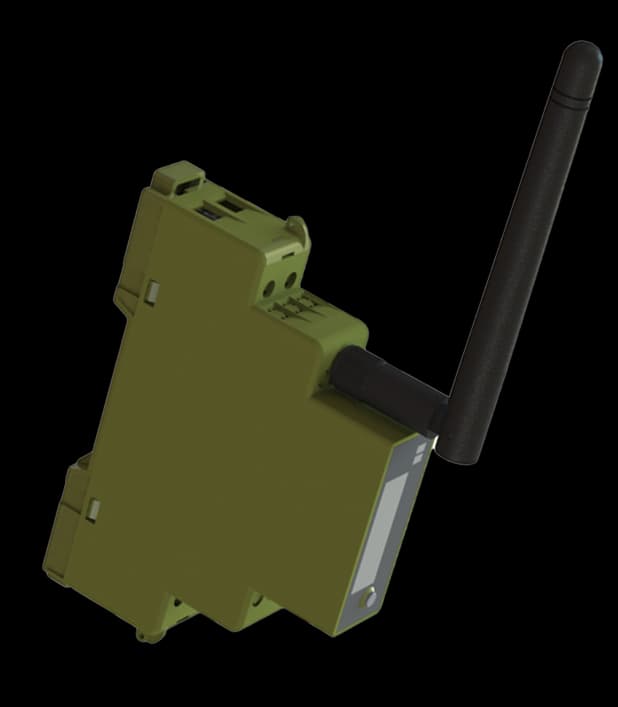
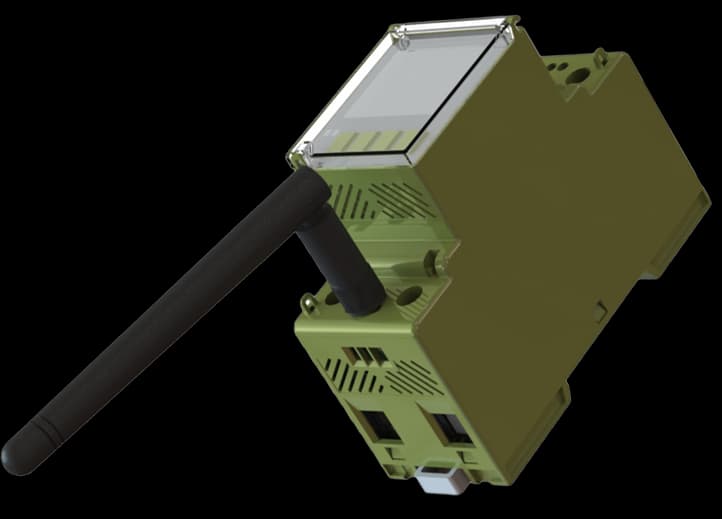
Look beyond the energy total. PEM431 brings true-RMS measurements, bidirectional energy data and harmonic analysis to a panel-mounted meter with LoRaWAN connectivity, two programmable inputs and two outputs.

Panel format
96 × 96 mm
Measurement connection
CT
Harmonic analysis
2–60
Programmable I/O
2 DI / 2 DO
IN YOUR ENVIRONMENTPRACTICAL USE CASES

A reading is the start of a better question.

See where electricity is used, put unusual patterns in context and give the people responsible a consistent view. These are example applications to plan around your site.

Property managers
EXAMPLE APPLICATIONProperty managers
Property managers

Understand a building’s baseline

A monthly total does not show when consumption happens or how the building behaves outside working hours.

WHERE YOBIIQ COMES IN

Include electricity measurement in the building overview. Compare the same periods and annotate opening hours, occupancy and maintenance before interpreting changes.

  • Consumption
  • Time period
  • Site context

Give the team a baseline to compare before and after operational changes.

Discuss a similar project
EXPLORE THE POSSIBILITIES02 / CONNECT THE DOTS

A closer look. A clearer picture.

Explore how this device fits into a connected environment.

Look beyond the energy total. PEM431 brings true-RMS measurements, bidirectional energy data and harmonic analysis to a panel-mounted meter with LoRaWAN connectivity, two programmable inputs and two outputs.

PEM431 / SENSE
PEM431 — Power quality meter

What the device does

  • True-RMS electrical measurements
  • Import and export energy monitoring
  • Harmonics from the 2nd to the 60th order
  • LoRaWAN and Bluetooth Low Energy
UNDERSTAND THE OPERATIONDEVICE + APPLICATION

See what happens.
Step by step.

Measurement happens at the device. The chosen connection carries the information to the application, where your team reviews it and defines follow-up.

MEASUREMENT Information / action
  1. PEM431Measurement point
  2. PEM431 — Power quality meter
    Local readingDevice measurement
Record a known reading as the starting point for commissioning.
01 / IN PRACTICE

Measure at the connection

Install the PEM431 at the selected measurement point and commission it against the supplied installation documentation. Check the local reading before relying on the remote view.

Record a known reading as the starting point for commissioning.

FITS INTO YOUR WORLDNETWORKS & PLATFORMS

Your network.
Your way of working.

Connect the device to a LoRaWAN network, then bring its data into the application your team uses. Each layer has a different job.

01

Network servers

Connect devices and route their LoRaWAN messages.

02

Application platforms

Turn decoded data into dashboards, history and actions.

Network and application integration must use the payload for the supplied hardware and firmware. Tell us your network server and platform so we can confirm the integration details.

Plan your integration
DESIGNED WITH PURPOSE03 / THE DETAILS THAT MATTER

Small details. Real capability.

True-RMS electrical measurements
Import and export energy monitoring
Harmonics from the 2nd to the 60th order
LoRaWAN and Bluetooth Low Energy
LCD display and local configuration buttons
Two programmable inputs and two outputs
THE TECHNICAL VIEWFUNCTIONS & INTEGRATION

The details behind the decision.

A practical overview to help you specify the right device and the system around it.

Product documentation
Measurement & installation
MeasurementTrue RMS · 3P3W / 3P4W
Energy directionsImport and export
Power quality2nd–60th harmonics, THD, unbalance and sequence analysis
Current connectionExternal current transformers, selected for the installation
Digital inputs2
Digital outputs2 · programmable threshold alarm or pulse output
Dimensions96 × 96 × 81 mm
EnclosureIP51 front / IP30 body
Operating temperature−25 to +55 °C
SPECIFY IT FOR YOUR PROJECT

Order the current transformers for the actual installation. The supplied datasheet lists 100, 160, 200, 400, 600, 800 and 1000 A clamp options. Confirm the ratio, secondary signal and panel arrangement as one measurement system.

Check your configuration
FROM SELECTION TO SITEPLAN YOUR INSTALLATION

A good deployment starts here.

Four things to settle before the first device goes into service.

  1. 01

    Define the measurement point

    Identify the location, expected range and the question the measurement must answer.

  2. 02

    Select the exact version

    Order the current transformers for the actual installation. The supplied datasheet lists 100, 160, 200, 400, 600, 800 and 1000 A clamp options. Confirm the ratio, secondary signal and panel arrangement as one measurement system.

  3. 03

    Commission the connection

    Verify network coverage or bus wiring, device identity and payload or register mapping.

  4. 04

    Check the complete chain

    Compare a local reading with the receiving platform, confirm units and timestamps, and document the operating procedure.

QUESTIONS, ANSWERED

Before you choose.

Practical answers about PEM431 — Power quality meter.

Ask us something else
What should I specify when ordering PEM431?

Order the current transformers for the actual installation. The supplied datasheet lists 100, 160, 200, 400, 600, 800 and 1000 A clamp options. Confirm the ratio, secondary signal and panel arrangement as one measurement system.

Is this the specification for every model in the range?

These details describe PEM431. Select the matching current transformers and verify the supplied configuration using its datasheet.

What is needed for a remote dashboard?

For LoRaWAN reporting, provide network coverage, device registration and a decoder matching the hardware and firmware. The application then handles storage, visualisation and any configured notifications.

Does monitoring automatically save resources?

It gives you evidence for decisions and a way to check their effect. Results depend on the changes made to the installation or operating routine.

BUILT FOR REAL DEPLOYMENTS

Keep exploring the details.

Explore the connections.

All devices
LET’S MAKE IT HAPPEN

Your next project.
Our next connection.

Tell us what you want to connect, monitor or control. We’ll help you find a starting point.

Talk to the team