On this page
Check the boiler and thermostat
An OpenTherm gateway provides a route from a compatible boiler to a remote application. OpenTherm handles the conversation with the heating equipment. LoRaWAN carries the selected information through a gateway and network server to your application.
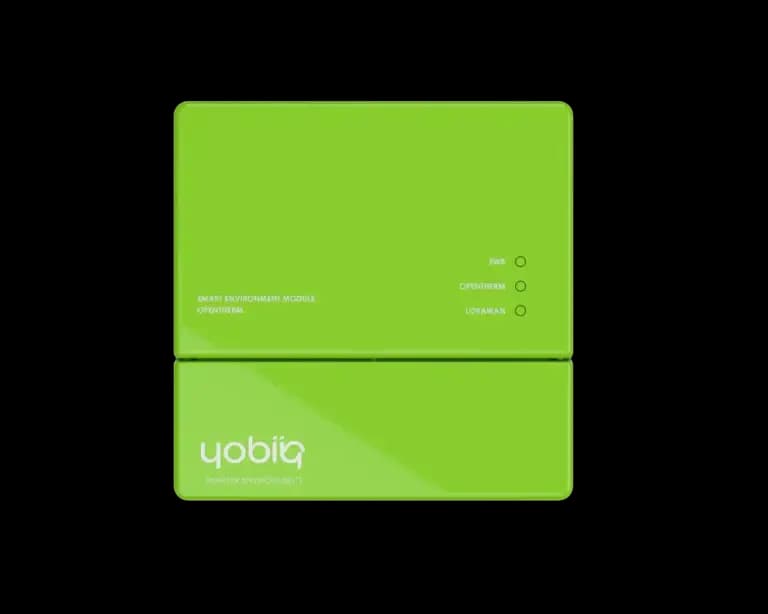
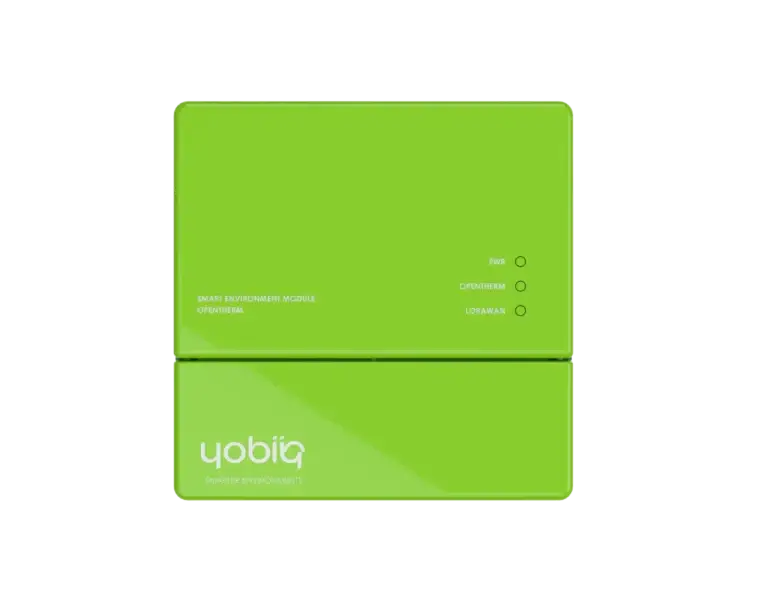
The Yobiiq P-1002 OpenTherm gateway is intended for OpenTherm installations. A thermostat connection that only switches on and off is not enough to establish compatibility. Record the boiler and thermostat models and check the manufacturer's connection instructions first.
Choose readings that help with service
Suppose a tenant reports that the heating stops in the evening. Before booking a visit, look for a change in boiler status and compare the temperatures reported at that time. Available diagnostics can help an installer decide what to investigate. A missing update can also mean the communications path is offline, so display the timestamp of the last valid reading.
Start with boiler status and the temperature fields the boiler actually supplies. Supported data and commands vary by installation.
Commission monitoring before control
- Confirm OpenTherm compatibility and identify the data points you need.
- Check LoRaWAN reception where the device will be installed.
- Use the matching decoder and compare a dashboard value with a local reading.
- If you need remote adjustments, test permitted commands, thermostat interaction and behaviour when connectivity is lost.
Use the boiler controller datasheet for device details. For consumption data at the supply, see our guide to monitoring a smart meter through P1.